
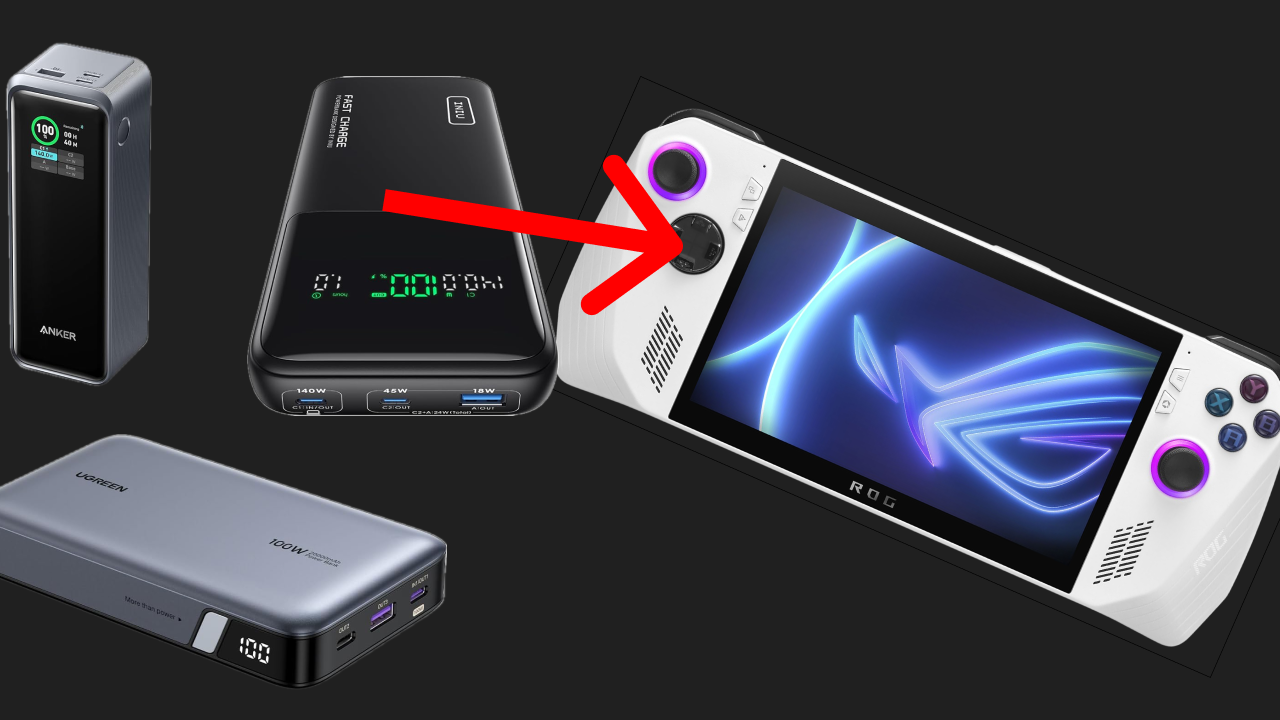
Traveling or just looking for a way to extend your play on your ROG Ally?
ROG Ally Pro dives into some of the top portable power bank picks for the ROG Ally.
We focused on three things for a power bank:
As that's really what matters when you are away from an outlet and want to play some games.
* All products linked are with our Amazon Affiliate codes, so while it comes at no additional charge to you, we get a small kickback from your purchase.
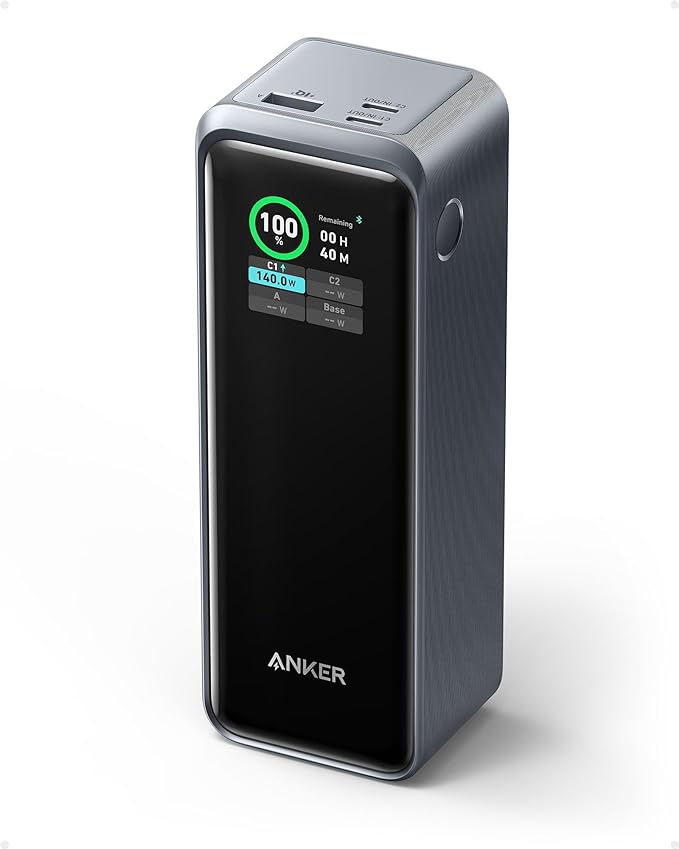
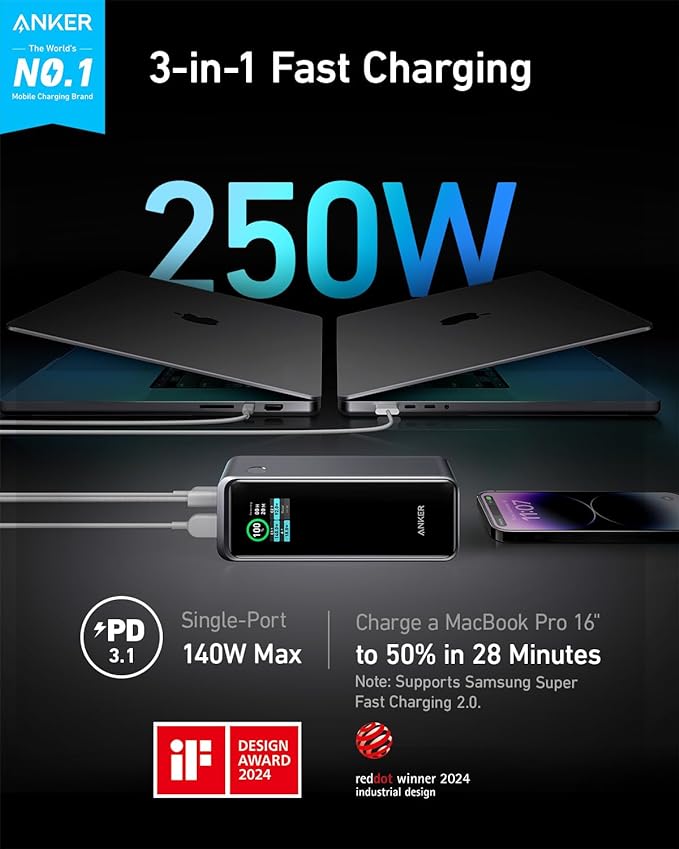
The Anker Prime Power Bank is coming in at #1 on our list for being the best overall portable charger.
This Anker charger boasts a whopping 250W output, thanks to the latest PD 3.1 technology.
The charger is 6.37 x 1.96 x 2.24 inches so it will fit in most bags, and it meets the requirements of the TSA(<100Wh) to be taken on airplanes as carry-on baggage.
With 2 USB-C ports and a USB-A port, you can charge your ROG Ally X and other devices simultaneously.
This is handy if you also need to charge your phone, tablet, or other gadgets.
Overall, the Anker Prime 27650mAh Power Bank offers a great combination of high capacity, fast charging, portability, and versatility, making it a perfect choice for the ROG Ally X and ROG Ally, and why we put it at #1 on the list of best portable chargers for rog ally.
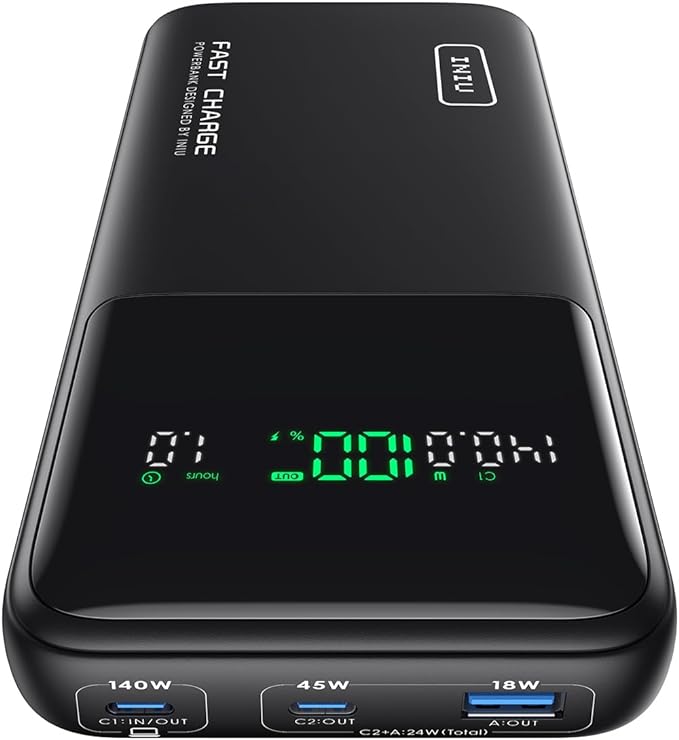
Like the Anker charger on the list, this INIU portable charger has a LED screen, and it easily updates and shows you how much time it has left before being fully depleted, and how much juice it has.
This is a 27,000 mAh portable charger which boasts a 140W max output, which is great for fast charging laptops and other high-power devices like the ROG Ally or ROG Ally X.
You can take this charger on airlines as well and use it on the plane.
With 3 charging ports, including a blazing-fast PD 3.1 140W USB-C in/out port, a PD 45W USB-C fast charging port, and a trusty USB-A port, this power bank is your all-in-one charging solution.
This charger comes in at: 7.77 x 4.02 x 1.22 inches
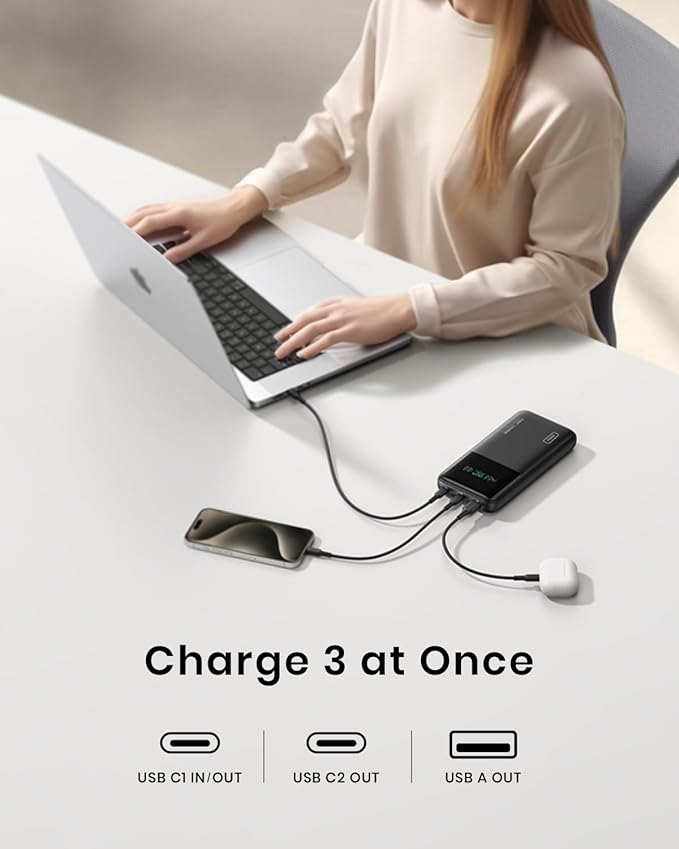
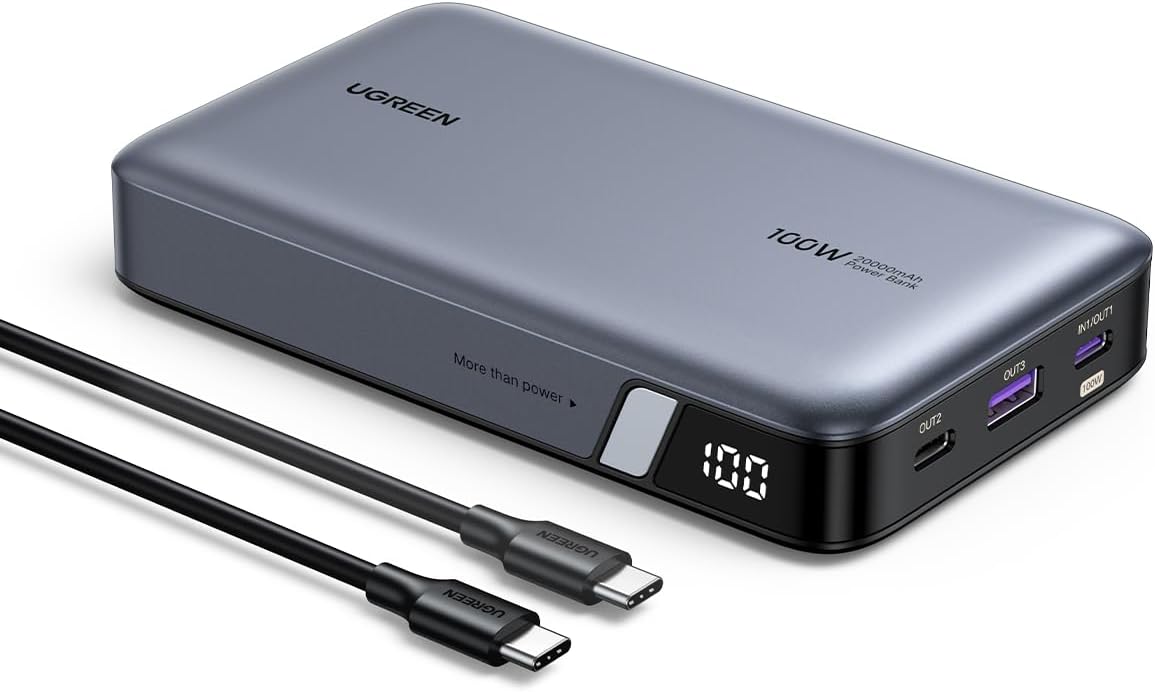
This portable charger is brought to you by UGREEN, a company that has made a lot of ROG Ally compatible accessories.
The UGREEN 20000mAh 100W Power Bank, Nexode Portable Charger boasts a 20,000mAh battery, giving your ROG Ally plenty of charges.
Advanced technology makes this battery pack shrink the battery size without compromising charging efficiency, portable and space-saving. 20% lighter than similar power banks, reducing the burden on your journey.
Equipped with two USB C ports (USB C1 100W+ USB C2 30W) and one 22.5W USB A port, this powerful 100W Power Bank fast charging can fast charge 3 devices simultaneously.

While the main attraction of the ROG Ally lies in its capacity to download and play games directly on the device, its Windows platform opens up even more possibilities.
With Xbox Cloud Gaming, you can effortlessly access a vast library of games.
Simply launch the Xbox app or navigate to Xbox.com/play using the pre-installed Edge browser, and you'll be streaming your favorite games in just a few moments.
The ROG Ally came out in July 13th 2023.
Yes
You can connect a controller to the ASUS ROG Ally
Yes
The ROG Ally has a 7-inch 120hz 1080p screen that is also a touch screen.
There is a Z1 Extreme ROG Ally & a base Z1 ROG Ally.
We have a guide telling you the differences between the ROG Allys.
The ROG Ally can emulate the PS2, PS3, Xbox Series X, Xbox 360, Xbox One, Nintendo Switch, PS Vita, PS5, & more.
Yup, it is pretty much a PC.
Just connect your dock of choice or connect to the ROG Ally via bluetooth with all your accessories and start doing work or gaming!
A few simple steps will let you.
With some caveats...
Use the control center button on the left side of the ASUS ROG Ally and change the operating mode to Turbo when your ROG Ally is plugged in.


